
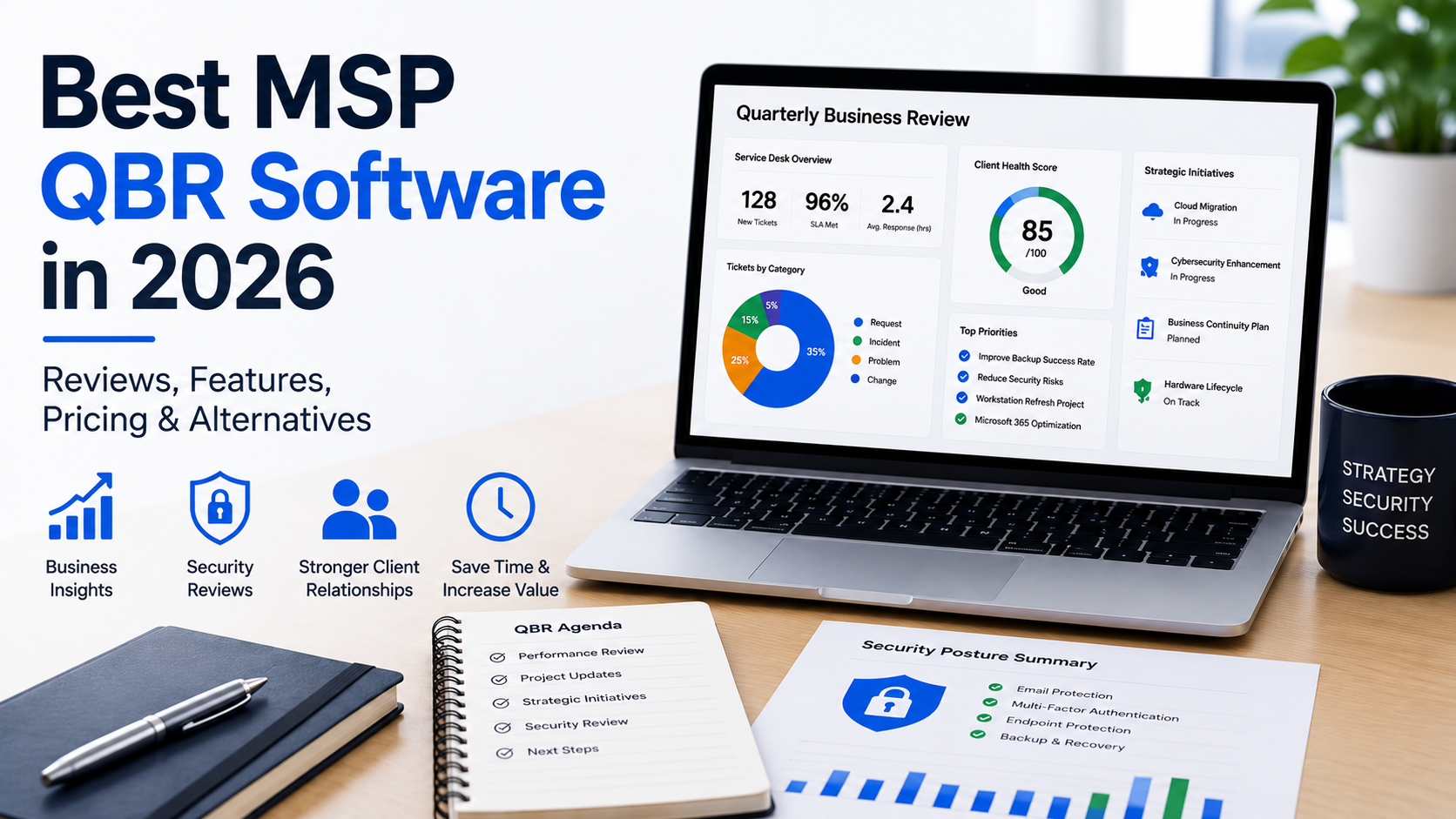
Quarterly Business Reviews (QBRs) have become one of the most valuable ways for managed service providers (MSPs) to demonstrate value, strengthen client relationships, uncover new business opportunities, and ensure technology investments continue to support their clients’ business goals.
As the MSP industry has matured, so has the software available to support these meetings. Today, there are several excellent QBR platforms that help automate data collection, present business insights, and create consistent, professional client reviews.
However, over the past few years, many MSPs have started asking a different question.
Should IT security reviews really be part of a Quarterly Business Review, or do they deserve a dedicated process of their own?
Having spent many years building and running an MSP myself, I’ve found there isn’t a single right answer. It depends entirely on what you’re trying to achieve.
What Is MSP QBR Software?
MSP QBR software helps managed service providers prepare, deliver, and track Quarterly Business Reviews with their clients.
Rather than manually building presentations in PowerPoint or Word, these platforms typically gather information from PSA, RMM, documentation and other business systems to produce professional reports that help guide client conversations.
A typical Quarterly Business Review may include:
- Service desk performance
- Ticket trends
- Strategic technology recommendations
- IT projects and roadmaps
- Hardware lifecycle planning
- Budget discussions
- Business objectives
- Future technology planning
For many MSPs, these meetings are one of the best opportunities to demonstrate ongoing value while strengthening long-term client relationships.
What Should Good MSP QBR Software Include?
Every MSP works slightly differently, but the best QBR platforms generally help you:
- Present service performance and ticket trends.
- Review strategic technology initiatives.
- Discuss business goals.
- Identify project opportunities.
- Standardize presentations across account managers.
- Reduce preparation time.
- Produce professional client reports.
- Track actions from previous meetings.
Ultimately, good QBR software removes manual work while helping every client receive a consistent experience.
Popular MSP QBR Platforms
Several platforms have built strong reputations within the MSP industry.
Solutions such as Lifecycle Insights, CloudRadial, Propel Your MSP, and other established platforms each have their own strengths. Some focus on executive reporting, others specialize in client engagement, strategic planning, customer portals or technology roadmaps.
Rather than asking which platform is “best,” it’s usually more useful to consider which one best supports the way your MSP delivers client reviews.
QBR Software vs Dedicated IT Security Review Platforms
Although they often appear similar, they solve different business problems.
| Feature | Traditional MSP QBR Software | Dedicated IT Security Review Platform |
|---|---|---|
| Primary Purpose | Business reviews and strategic planning | IT security reviews and cyber risk discussions |
| Executive Reporting | ✔ Excellent | ✔ Focused on security posture |
| Service Desk & KPI Reporting | ✔ Yes | Limited |
| Technology Roadmaps | ✔ Yes | Not typically included |
| Security Recommendations | Usually basic or manual | ✔ Core functionality |
| Microsoft 365 Security Evidence | Rarely available | ✔ Built specifically for security reviews |
| PSA Billing Validation | Some integrations | ✔ Used to automatically validate deployed services |
| Historical Security Comparison | Limited | ✔ Track improvements and new concerns between reviews |
| Report Delivery Tracking | Varies by platform | ✔ Included |
| Disclaimer Acknowledgment | Rare | ✔ Included |
| Compliance Audit Trail | Limited | ✔ Built-in |
| Best For | Quarterly Business Reviews, account management and business planning | Dedicated IT Security Reviews, cyber risk management and compliance discussions |
There isn’t a right or wrong choice because these platforms solve different problems.
Many MSPs are now using both. Their QBR platform supports strategic business conversations, while a dedicated IT Security Review platform provides a structured process for discussing cybersecurity posture, documenting recommendations and maintaining an audit trail of what was presented to the client.
Understanding MSP QBR Pricing
Pricing models vary significantly across vendors.
Some platforms charge per technician or user, which can work well for smaller MSPs but becomes increasingly expensive as your team grows.
Others price based on the number of managed clients, while larger vendors may offer custom enterprise agreements.
When comparing products, remember that the subscription fee is only part of the overall investment. Time spent configuring templates, training account managers and preparing reviews should also be considered.
Where Traditional QBR Software Starts to Struggle
One trend we’ve seen over the last few years is MSPs trying to use their QBR platform for absolutely everything, including IT security reviews.
At first glance, that seems logical. Security is one of the most important topics discussed during client meetings, so why not include it in the same presentation?
The challenge is that security reviews have very different requirements.
Unlike a traditional Quarterly Business Review, an effective IT Security Review often needs to:
- Record whether specific security controls are deployed.
- Explain business risk in language non-technical decision-makers understand.
- Track recommendations over time.
- Compare improvements since the previous review.
- Highlight new security concerns.
- Provide evidence supporting recommendations.
- Maintain an audit trail showing exactly when reports were delivered and acknowledged.
- Produce documentation suitable for compliance and cyber insurance discussions.
Trying to manage all of that inside a general-purpose QBR platform often results in additional manual work using PowerPoint, Word, spreadsheets and email.
The Hidden Cost of Manual Security Reviews
Many MSPs still prepare security reviews manually.
Information is collected from multiple systems, copied into PowerPoint presentations, screenshots are added, recommendations are rewritten, PDFs are created and everything is emailed to the client.
The process works. It’s also incredibly time-consuming.
More importantly, it can be difficult to prove exactly what recommendations were made six or twelve months later if a client questions whether they were ever advised to implement a particular security control.
As cybersecurity becomes increasingly important, maintaining a clear audit trail has become just as valuable as producing the report itself.
Where SecuVeo Fits
SecuVeo isn’t designed to replace your existing QBR software.
Instead, it’s designed to solve one very specific challenge exceptionally well.
SecuVeo is a dedicated IT Security Review platform built specifically for managed service providers.
Rather than creating another PowerPoint presentation every quarter, MSPs can generate professional security reviews that business owners and decision-makers can easily understand.
The platform combines PSA billing information with Microsoft 365 Security Evidence to help populate report items automatically, while still allowing the MSP to review and approve every recommendation before the report is delivered.
Security recommendations can then be tracked over time, making it easy to demonstrate both improvements and new concerns since the previous review.
Every report also includes delivery tracking, disclaimer acknowledgment records and a permanent audit trail showing exactly what was sent, who received it and when it was acknowledged.
For many MSPs, that’s an important layer of protection that email attachments and traditional presentations simply don’t provide.
Choosing the Right Platform
There isn’t a single “best” MSP QBR software because every MSP operates differently.
If your priority is executive reporting, business planning, technology strategy and client engagement, a dedicated QBR platform is probably the right investment.
If your biggest challenge is consistently delivering professional IT Security Reviews that generate security projects, demonstrate your expertise and provide a documented history of your recommendations, then a dedicated security review platform may be a better fit.
Many successful MSPs now use both, allowing each platform to focus on what it was designed to do.
Frequently Asked Questions
What is MSP QBR software?
MSP QBR software helps managed service providers prepare and deliver Quarterly Business Reviews by bringing together operational, business and technology information into a professional client presentation.
Is IT Security Review software the same as QBR software?
No. While security is often discussed during a Quarterly Business Review, dedicated IT Security Review software focuses specifically on cybersecurity posture, recommendations, evidence, risk and compliance.
Should IT Security Reviews be separate from Quarterly Business Reviews?
Many MSPs are choosing to separate them. This allows business strategy meetings to remain focused while giving cybersecurity the dedicated attention it deserves.
Can QBR software replace PowerPoint?
Yes. Modern QBR platforms significantly reduce the amount of manual work involved in creating PowerPoint presentations. However, many MSPs still use separate tools for dedicated IT Security Reviews.
Final Thoughts
Client expectations continue to rise.
Business leaders increasingly expect clear advice, measurable outcomes and straightforward explanations of cyber risk.
The software you choose should make those conversations easier, not more complicated.
Whether you continue using a traditional QBR platform, introduce dedicated IT Security Reviews or combine both approaches, the goal remains the same: helping clients make informed decisions while demonstrating the value your MSP delivers.
As cybersecurity becomes a larger part of every client relationship, having a structured, repeatable way to communicate security recommendations may soon become just as important as the technology itself.
Looking for a Better Way to Deliver IT Security Reviews?
SecuVeo helps MSPs create professional, business-friendly IT Security Reviews that clients actually understand.
By combining PSA billing information with Microsoft 365 Security Evidence, SecuVeo helps reduce manual effort while giving your team the flexibility to review every recommendation before it’s presented to the client.
With historical comparisons, delivery tracking, disclaimer acknowledgments and a complete audit trail built in, SecuVeo makes it easier to standardize security reviews, demonstrate value and generate new security opportunities.
Start your free trial today and discover how dedicated IT Security Reviews can complement your existing QBR process.